Defenit CTF - babyJS
babyJS
Render me If you can.
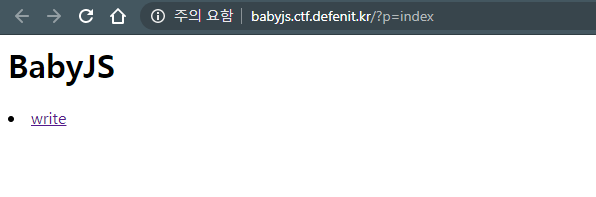
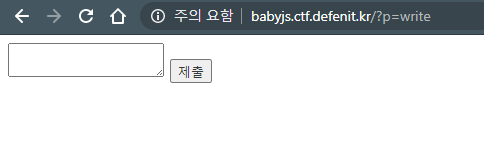
1
2
3
4
5
6
7
8
9
10
11
12
13
14
15
16
17
18
19
20
21
22
23
24
25
26
27
28
29
30
31
32
33
34
...

app.engine('html', require('hbs').__express);

...
app.use((req, res, next) => {
    const { content } = req.body;

    req.userDir = crypto.createHash('md5').update(`${req.connection.remoteAddress}_${SALT}`).digest('hex');
    req.saveDir = path.join('views', 'temp', req.userDir);

    ...

    if (typeof content === 'string' && content.indexOf('FLAG') != -1 || typeof content === 'string' && content.length > 200) {
        res.end('Request blocked');
        return;
    }

    next();
});

app.get('/', (req, res) => {
    const { p } = req.query;
    if (!p) res.redirect('/?p=index');
    else res.render(p, { FLAG, 'apple': 'mint' });
});

app.post('/', (req, res) => {
    const { body: { content }, userDir, saveDir } = req;
    const filename = crypto.randomBytes(8).toString('hex');
    ...
});

app.listen(8080, '0.0.0.0');
코드를 분석해보면
- handlebars 템플릿 엔진 사용
- content에 ‘FLAG’ 문자열 필터링
- / 에서 FLAG를 렌더링 시켜준다.
먼저 handlebars라는 템플릿 엔진을 살펴봤다.
{{ firstname }} 형식으로 property를 사용한다.
{{ apple }}을 시도해보니 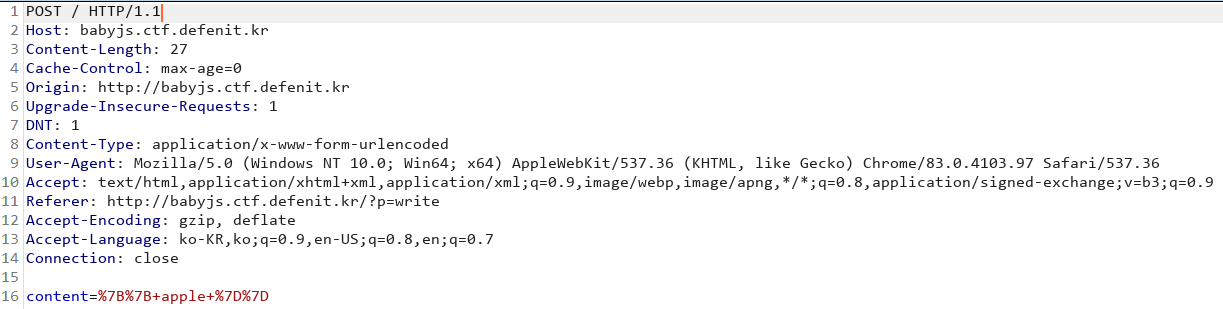
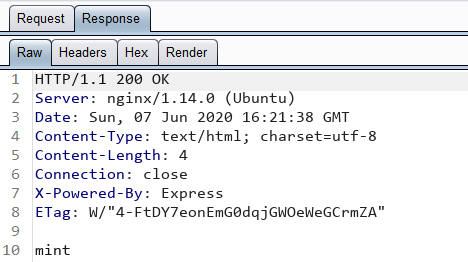
코드에 따라 mint라는 값으로 렌더링되었다.
그럼 {{ FLAG }}를 통해 FLAG를 렌더링 할 수 있지만 FLAG 문자열이 필터링 되고있어서 불가능하다.
그래서 handlebars의 다른 내장함수나 기능을 통해 간접적으로 FLAG를 렌더링 시키는걸 시도해봤다. 여러가지를 찾아보다가
this keyword와 each를 통해 property들을 출력할 수 있는것을 보았다.
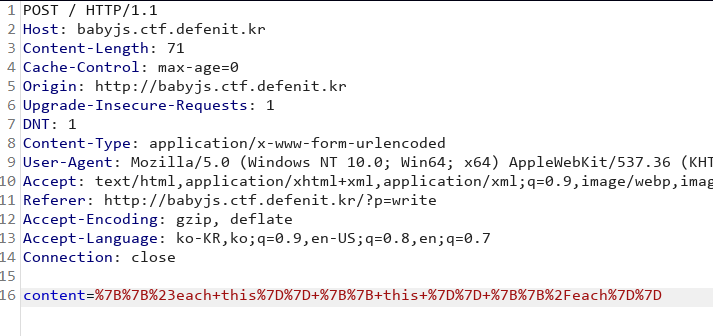
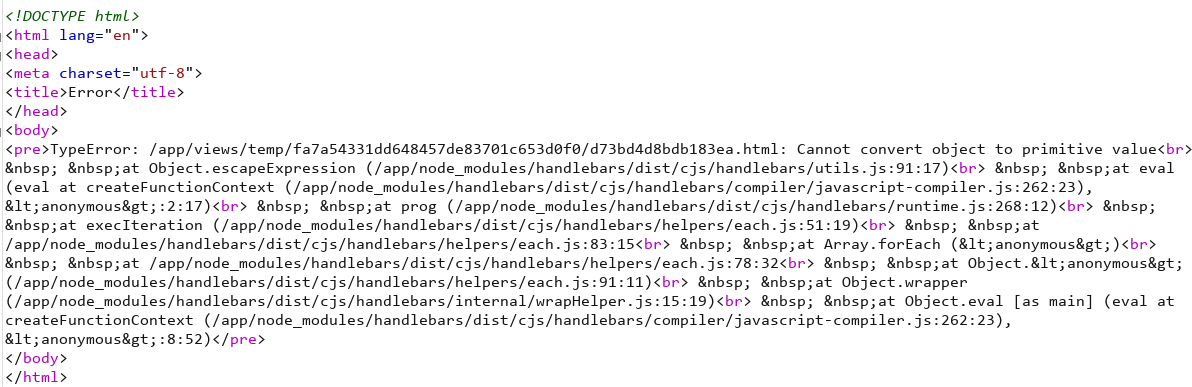
하지만 Cannot convert object to primitive value 란 에러로 출력이 안되었다. 검색해보니 객체를 출력할려고 해서 발생하는 에러이다.
doc을 살펴보니 array.[0]의 형태로 사용하는게 보였고 이를통해 페이로드를 만들었다.
1

Burp intruder를 이용해 this.[0]의 index를 증가시켜 요청을 보내어 FLAG를 획득한다.
1
Defenit{w3bd4v_0v3r_h7tp_n71m_0v3r_Sm8}
This post is licensed under CC BY 4.0 by the author.